See, and control, every AI in your home
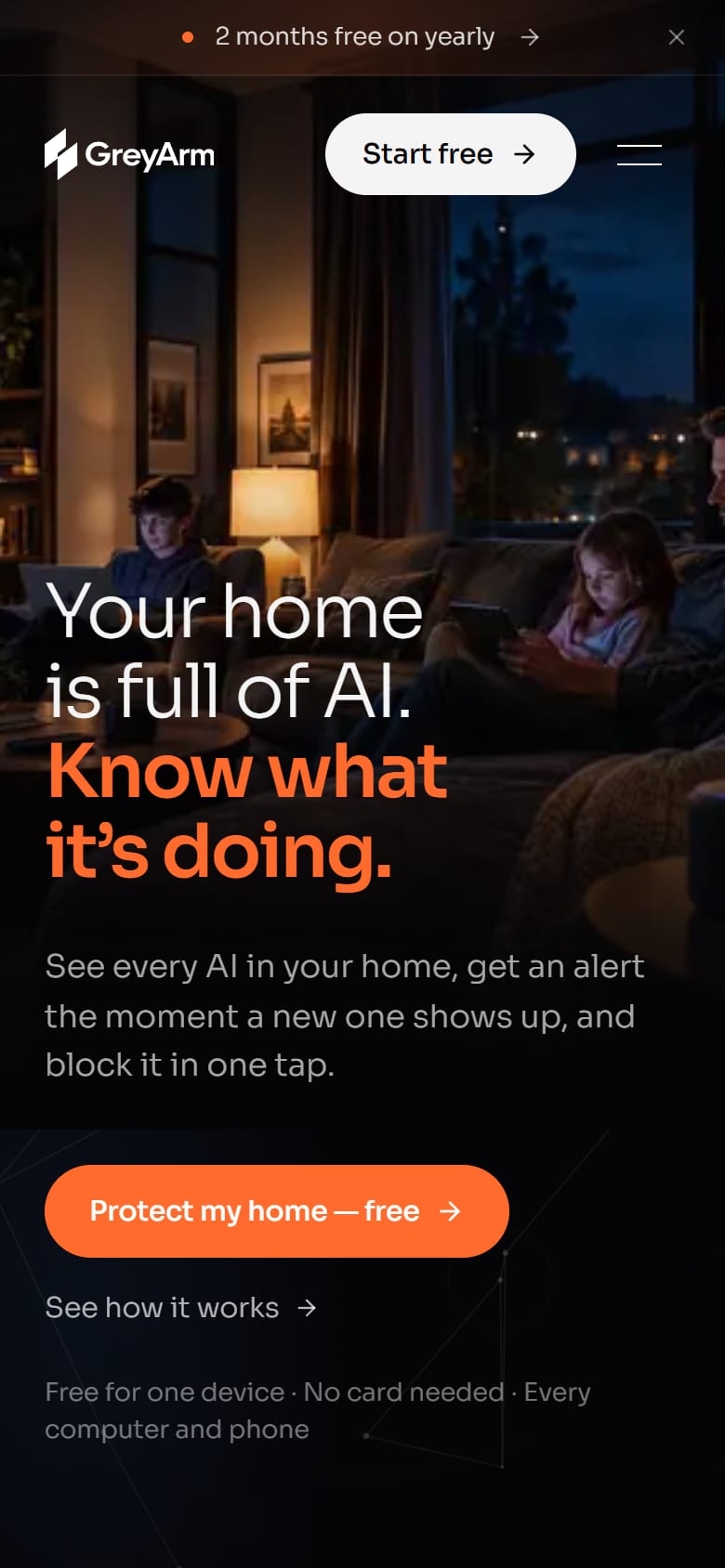
GreyArm finds the AI apps and agents running on every computer and phone at home or in the office, alerts you the moment a new one shows up, and lets you block it in one tap.

- 2 min
- to set up, no tech skills needed
- 10
- computers and phones on Household
- $6
- a month, free for one device
01The challenge
AI moved from answering questions to taking action on family laptops and office PCs, and most people have no idea what's running.
The product had to explain a technical problem to parents and small-business owners in plain English, then make the fix a single tap.
02What we built
- A Windows app (in beta) that finds every AI app and agent on that computer, with Mac, Linux, iPhone and Android versions on the way.
- A Wi-Fi shield that covers tablets, TVs and smart speakers through one router setting.
- Plain-English alerts on the phone and by email, one-tap allow or block, and a record of every decision.
- A live map from each computer to the AI running on it to the company behind it, with risky paths highlighted.
- A marketing site with a live demo that needs no account, a 14-day free trial with no card, and plans for households and offices.
03What they have now
A family can see every AI in the house and stop what they didn't approve, without any tech skills.
Offices get the same app, with a decision record that's ready when someone asks.
Visitors can walk through the full product in the demo before they sign up.
Built with
- Next.js
- React
- Vercel
- Windows desktop app
- Live demo
The whole page
Hover to scroll, or scroll inside the window.